
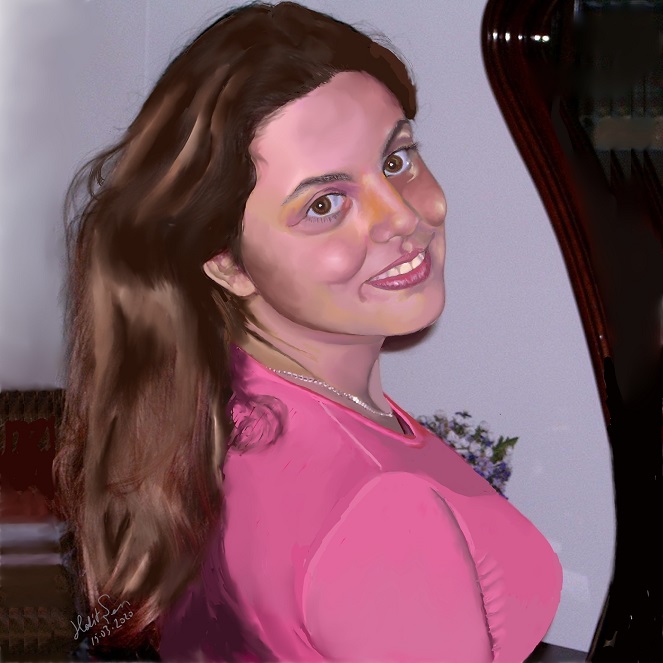
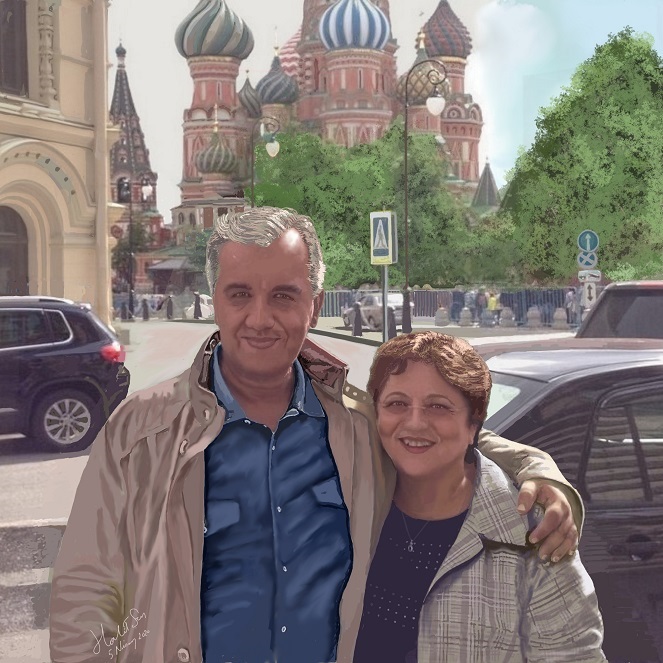
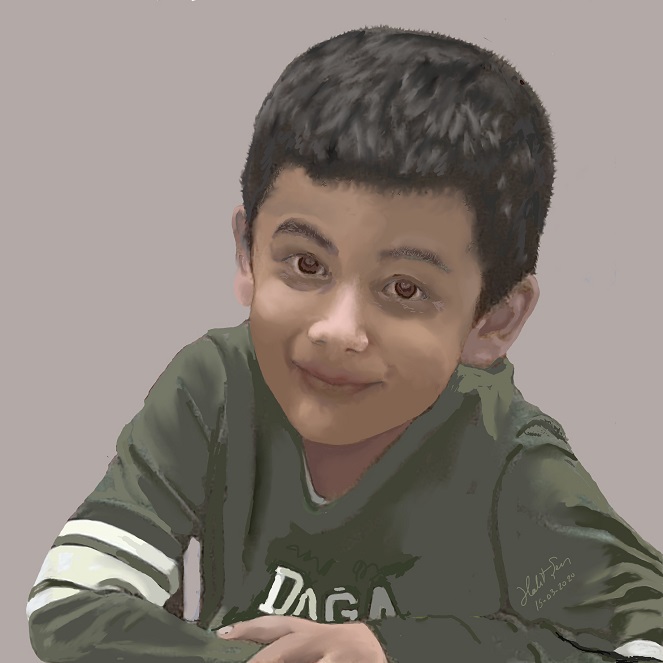
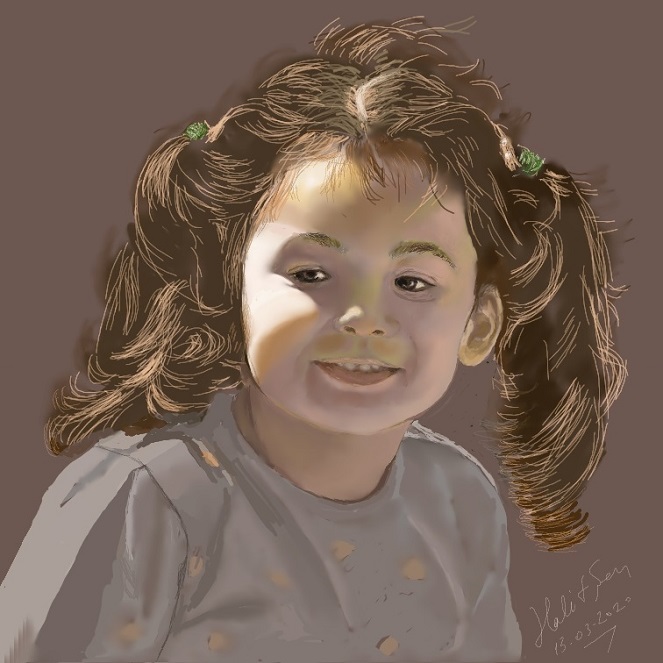
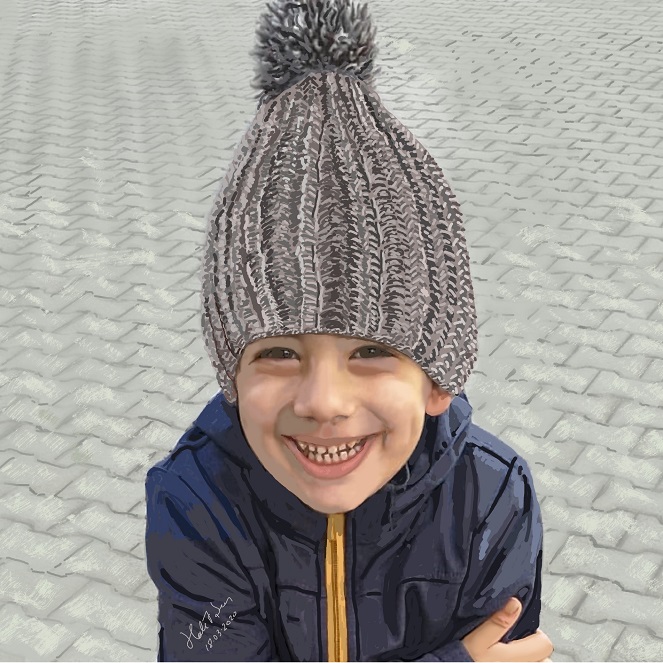
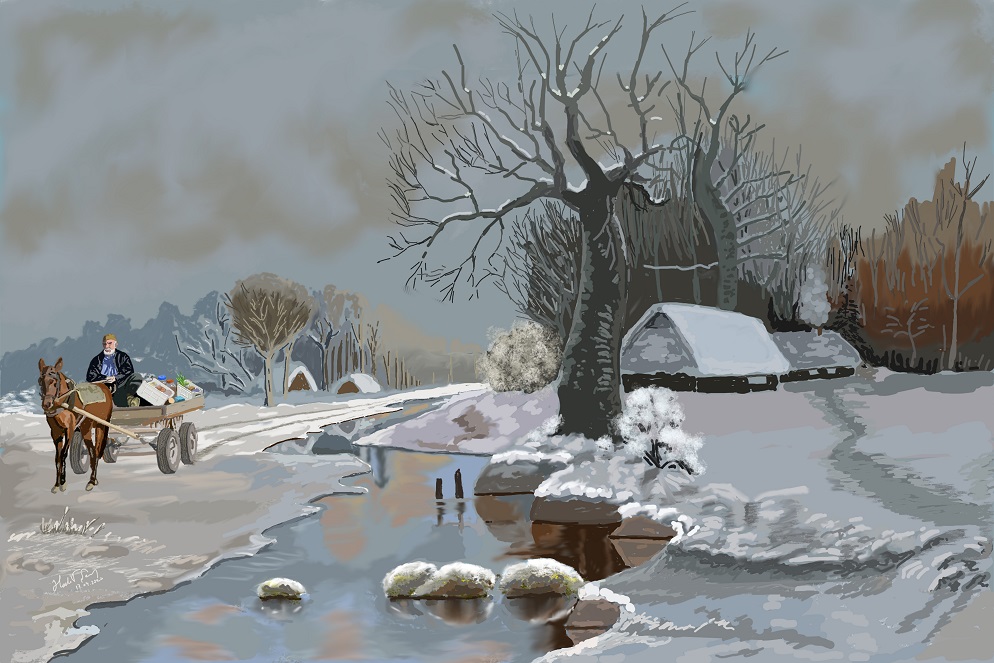
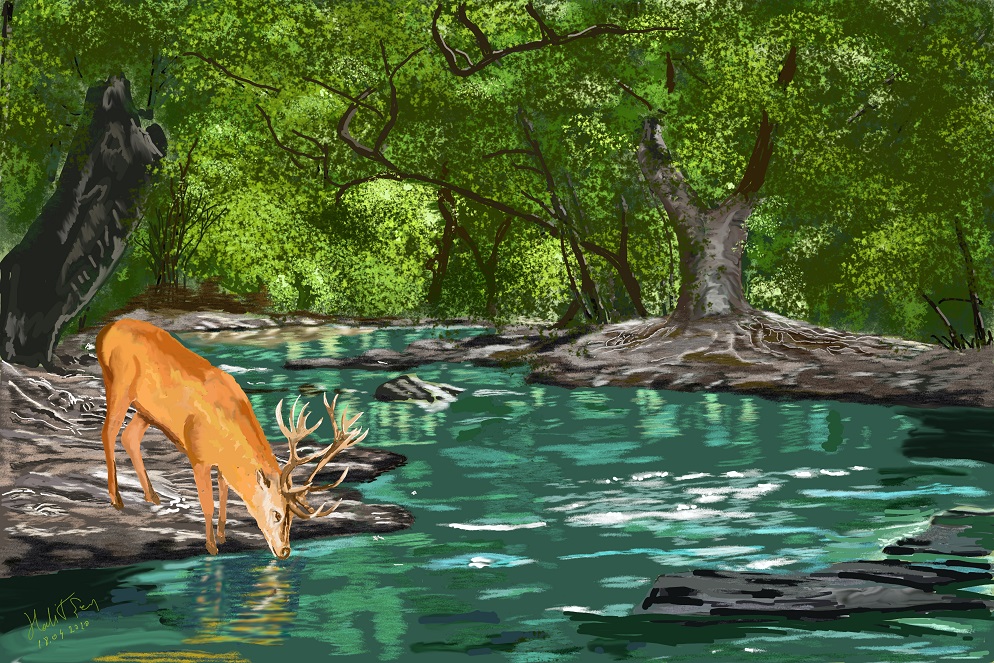
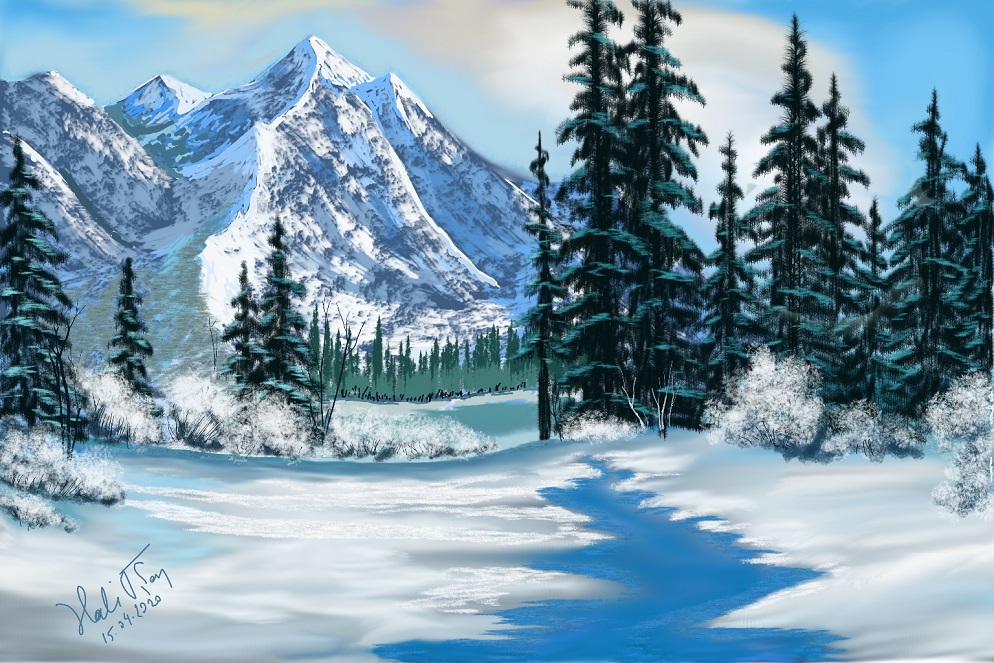
All the paintings here have been created on Microsoft Surface Studio with the use of Surface Pen and Krita 4.2.8 except for "Little Sailboats", which was a first experiment on XP-Pen Graphic Tablet with the use of XP pen and Artrage-5. Three paintings have been inspired from other artists' works. All others are original paintings. Six of them have been created from imagination. Photographs have been used as source in all the remaining ones.
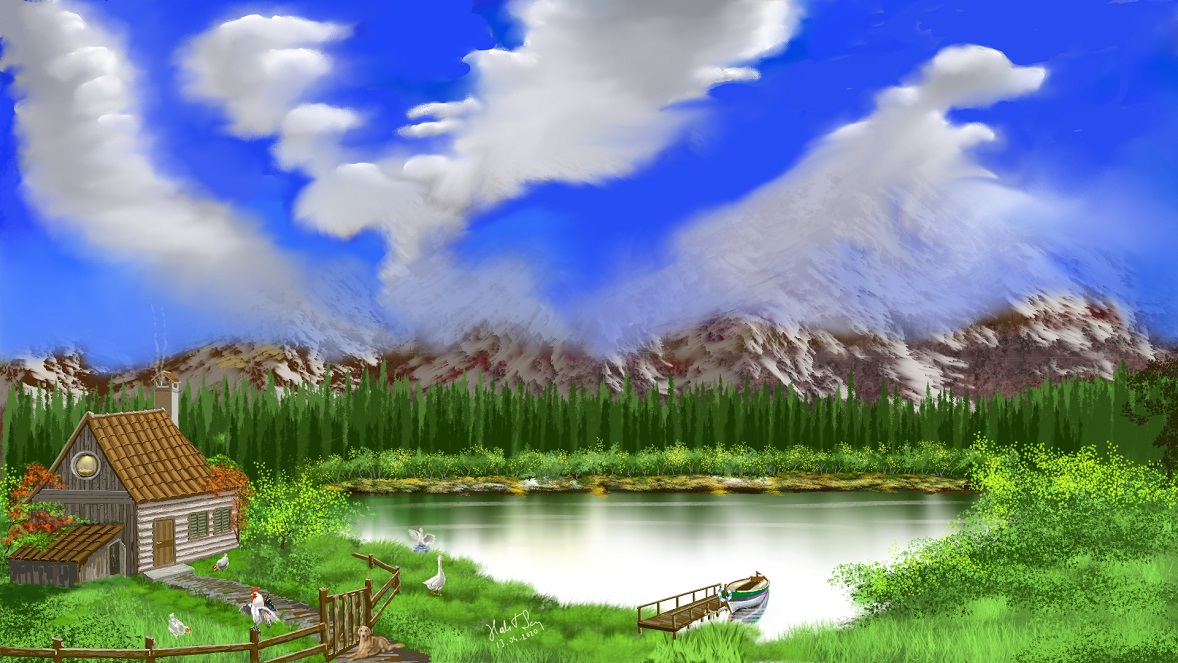
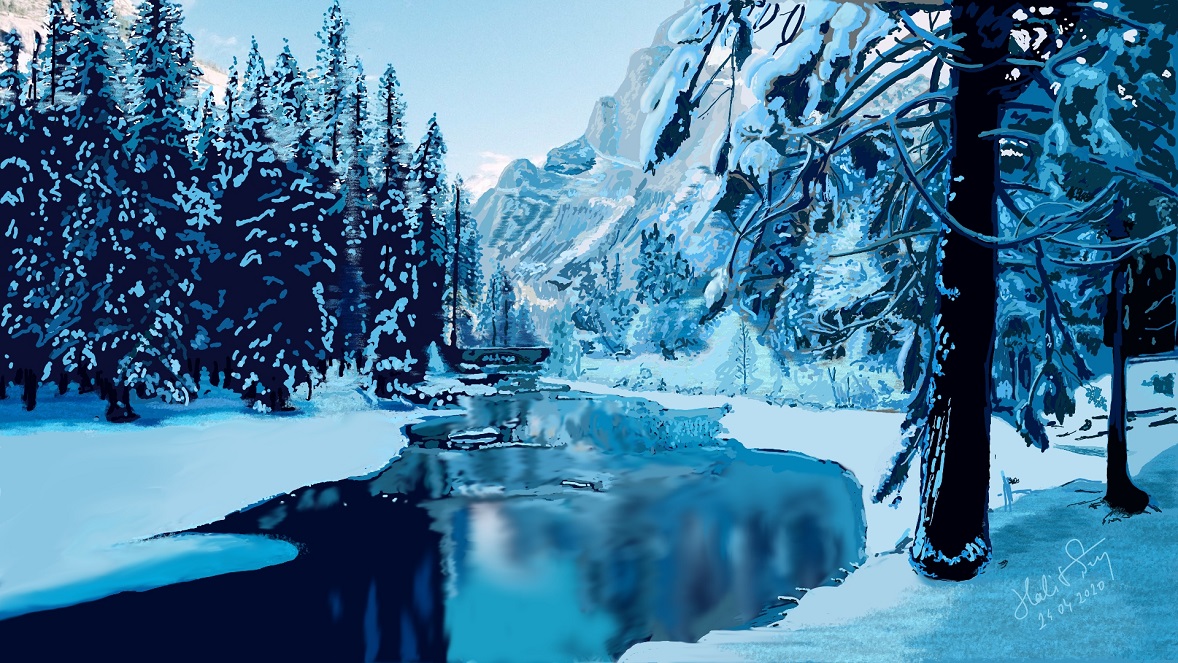
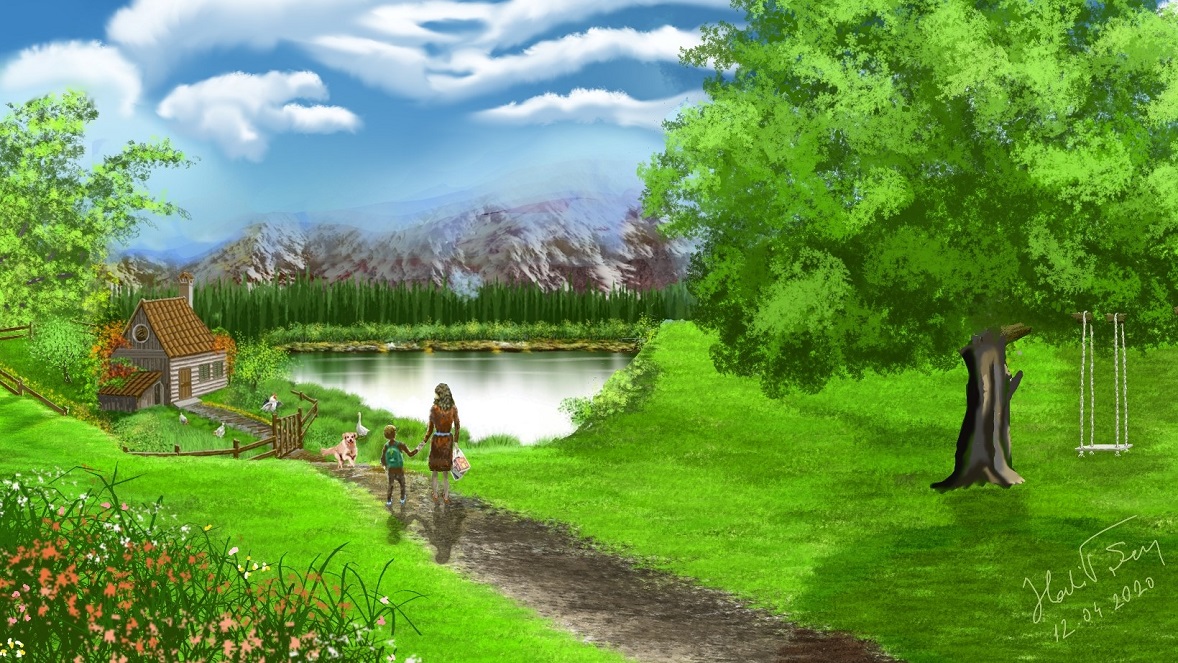
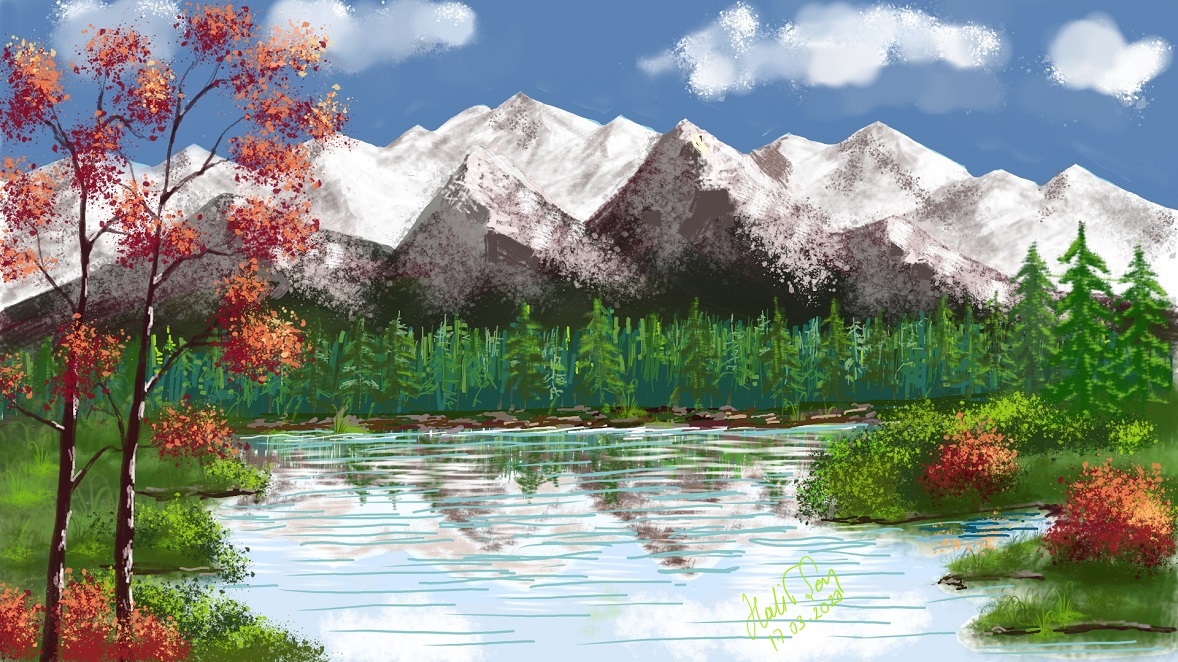
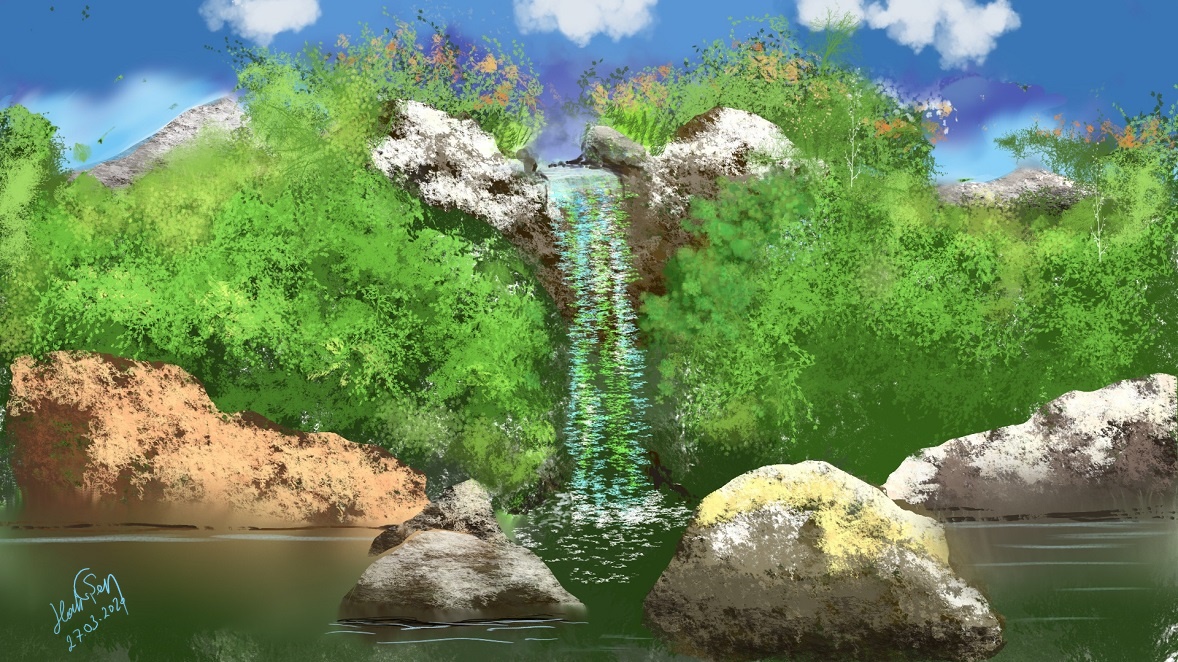
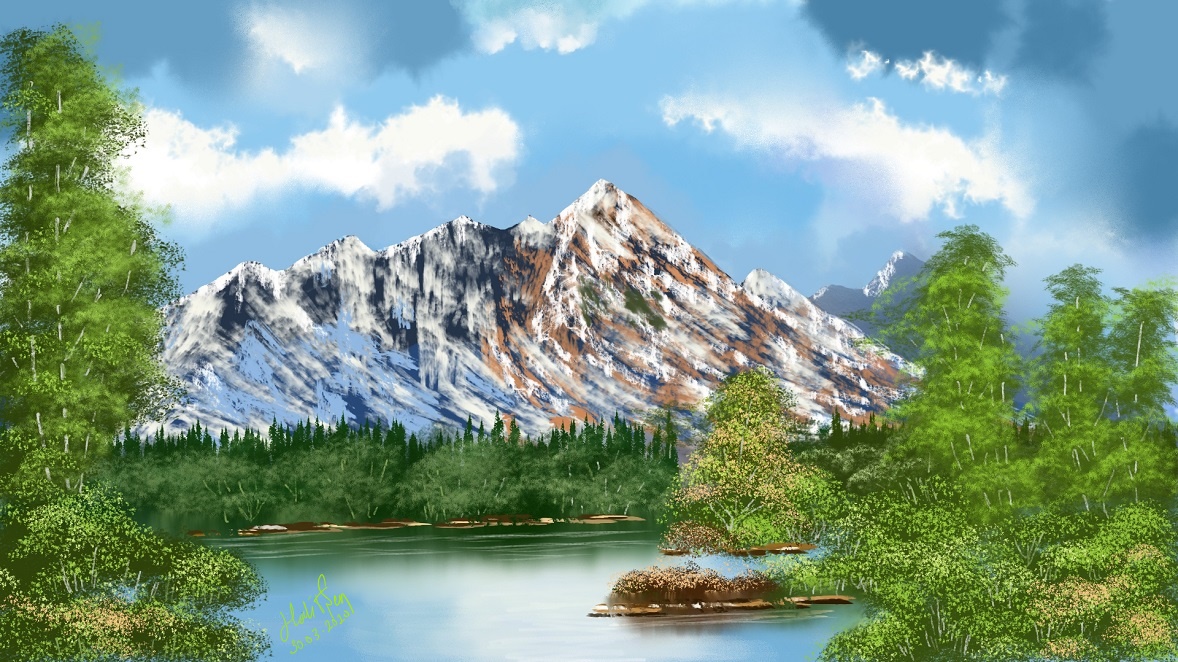
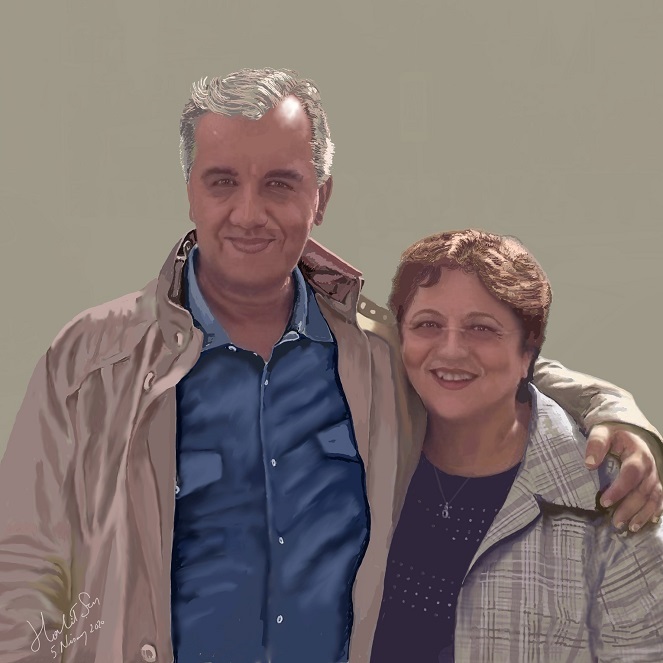
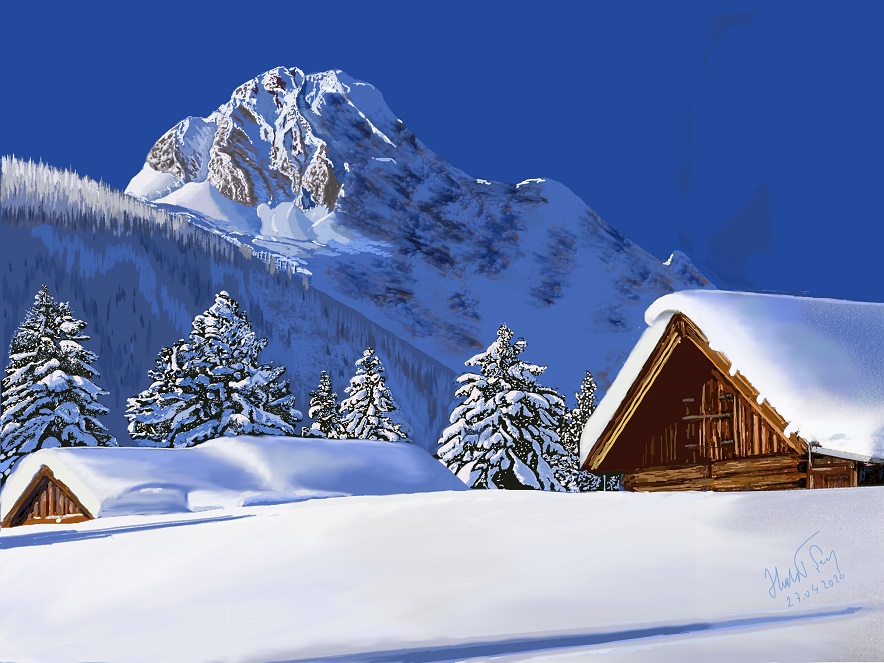
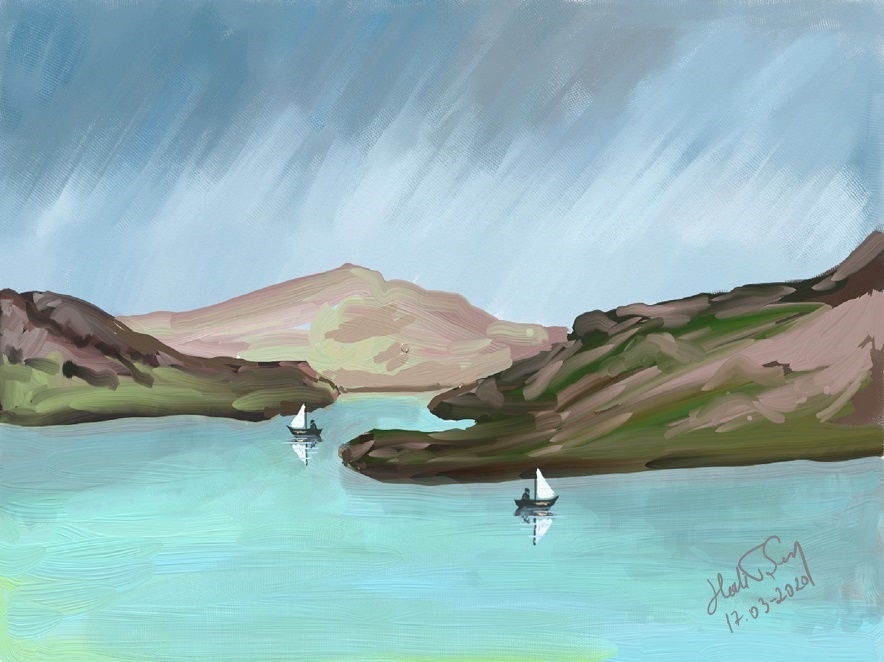
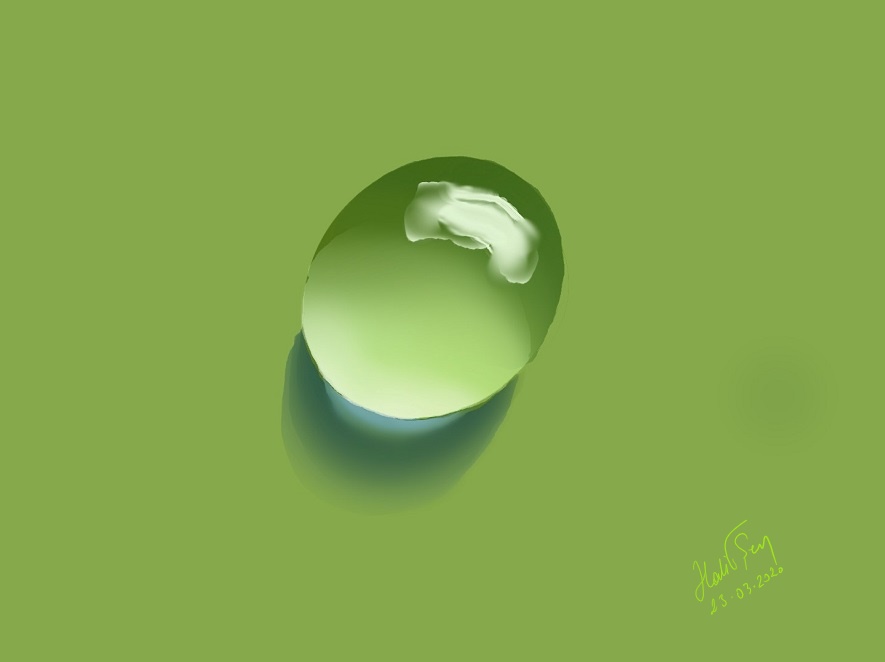
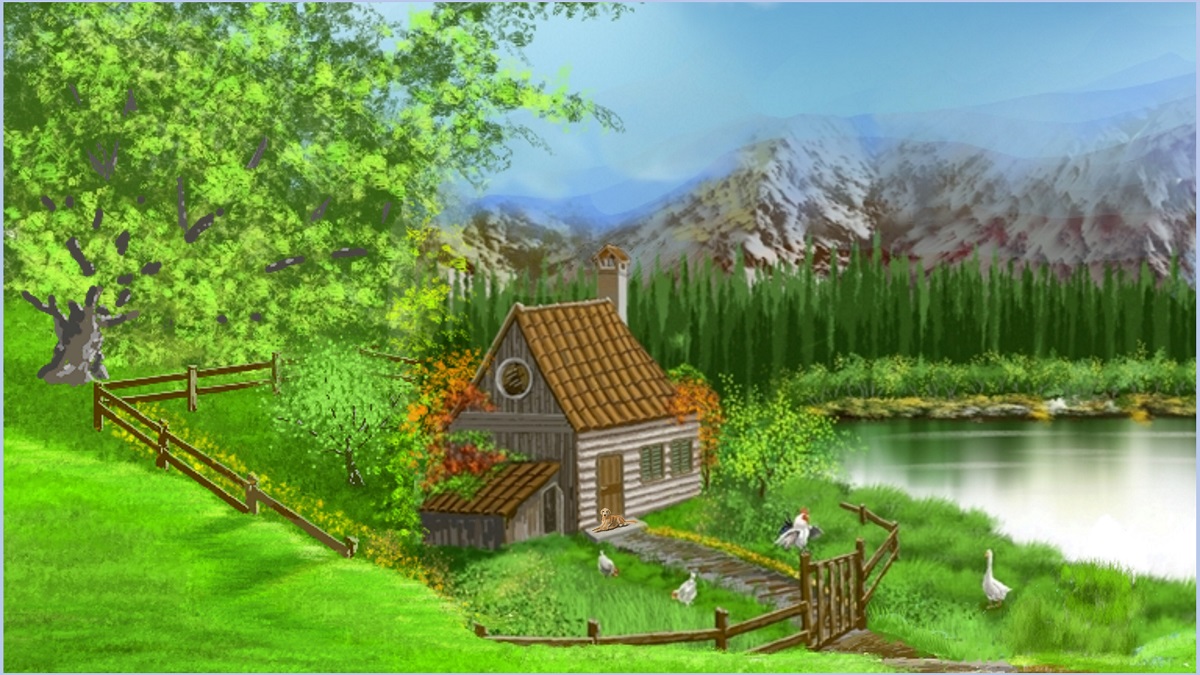
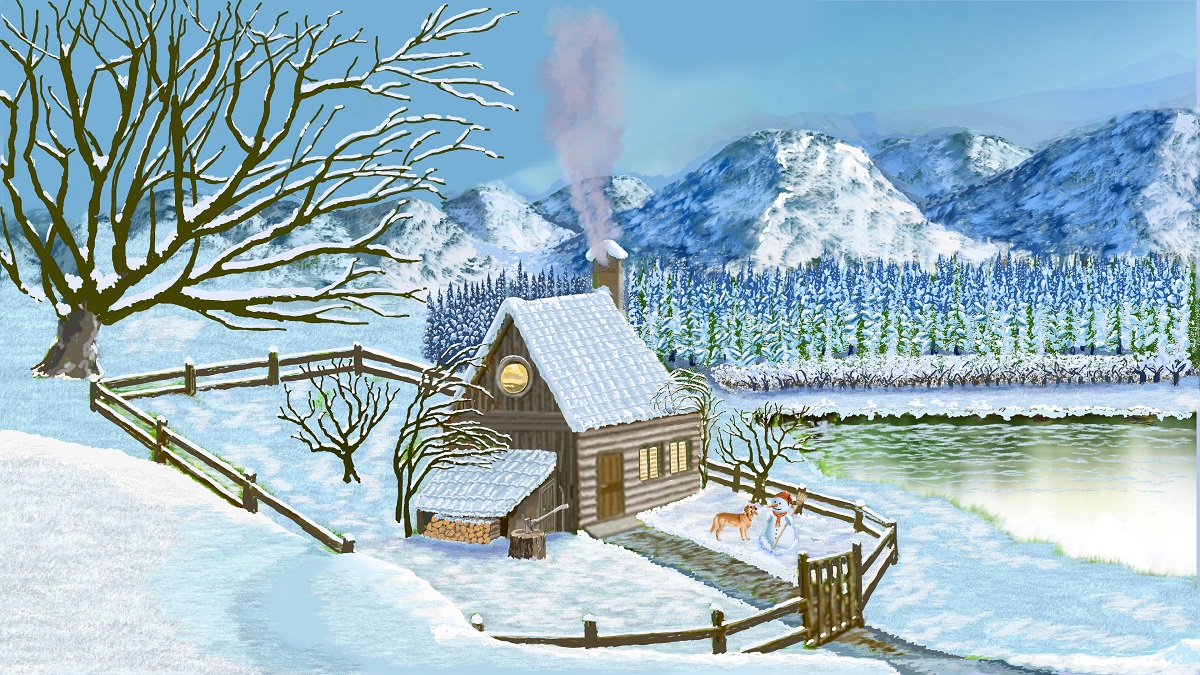
Winter is beautiful in dreams, but spring is life.
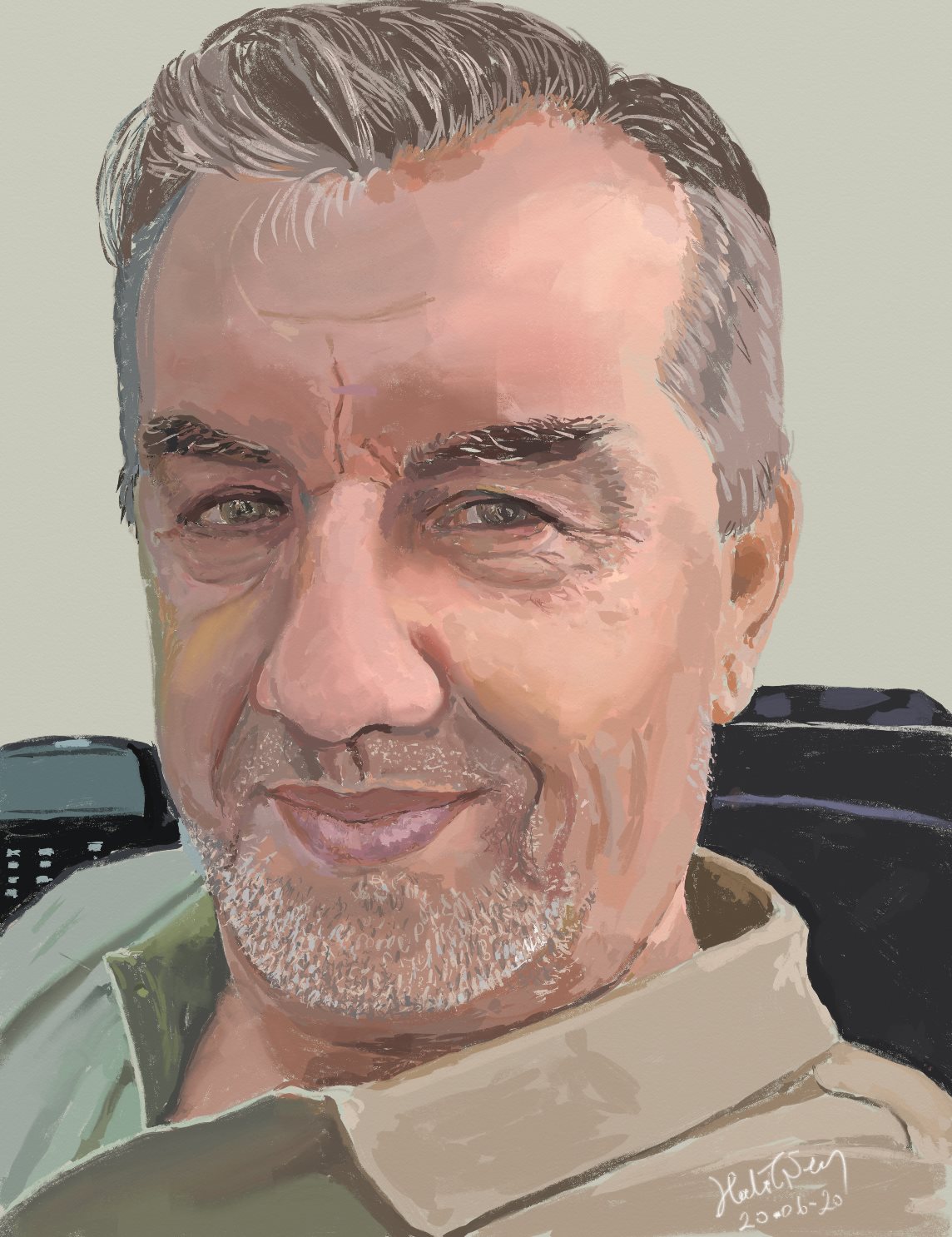 Halit Şen, Self Portrait
A digital painting is artistic painting on computer screen through the use of a specially built pen and software like Photoshop, Krita or Artrage by which magnificient works can be created. As a matter of fact, digital artistic painting is very similar to physical artistic painting.
They are very similar in that you need a canvas, colors, brushes, and some talent in whichever you prefer. If you want to create physical paintings, you need several other tools such as an easel, a pallette
lots of paint tubes or bottles (in as many colors as you wish).... You have quite a few choices from oil to acrylic paints, or from water based paint to pastel sticks.
No matter what paint type you choose, you will need some more tools and accessories like pallette knives in addition to many different brushes (fan brush, big brush, thin brush, etc.) paint thinner, cleaning cloth, sponge, etc.
You will need enough space around you to accommodate placing all the equipment, tools and accessories. You will also need to make thorough cleaning at the end of each painting session. If you leave your brushes without washing them, you cannot use them again in your next session.
For digital painting, however, all you need is a computer with graphic capabilities, a graphic pen that usually comes with the computer and specific graphic and paint software. The software you use provides you with whatever you need from a digital canvas any size you wish and any time you start a new painting, to never ending paints in infinite number of colors and tones.
You can turn the pen to any brush from among a selection of many different brushes and pallette knives and change the brush size from very thin to very large with a simple touch. You can even create new brushes. No cleaning need for anything whatsoever.
On the other hand, it requires a strong will and some learning time to be able to use the software at an adequate level.It is way more complicated than common applications like paint or powerpoint. For some people it may not be that complicated. Once you learn the basic functions, you can improve with practice.
Of course, there is not so much technical knowledge one needs to grasp in order to start physical painting. This is certainly an advantage.
Another advantage of physical painting is that, once you finish your painting, you can proudly hang it up on the wall and decorate your room with your own work. You don't have this chance with a digital painting. You can display it on the computer screen, but you cannot hang it up on your wall...
Well, maybe you can. You can get it printed on a canvas and framed. Many traditionalists will say, "No, it's not the same thing. One is a genuine physical work of art and the other is a printed copy." Maybe they are right.
However, digital painting has a very important advantage over physical painting and that is, digital painting software provides for building your painting in several layers. This is a little technical, but let me try to explain it briefly in the next section below.
Usually there are three stages or sections on a painting; The background (containing the farthest objects), the midground (for the objects in the middle), and the foreground (for nearest objects). ...Let's imagine that we are looking at the horizon in the fields. The most distant objects are the mountains and the sky (background). Many other objects (clouds,distant trees on the slopes or at the foot of the mountain) are closer to us. There may even be much nearer objects.
It is very reasonable to build a landscape painting starting with farthest objects in the background and then paint nearer objects step by step.
When you are physically painting on a canvas, you have one surface with only one layer. You have to put all objects, far or near, on the same surface. Each time you place a nearer object, it covers part of your background. When you want to erase a nearer object, this will destroy that part of your background also.
But while building a digital landscape, working in layers will protect all the valuable images in the distance while you are placing nearer objects. Think of layers as glass plates in identical size.
You can use as many layers as you wish, but for our example let's say that you are using three layers. You paint your background (the mountain and the sky) on a glass plate. When you are happy with the background, you put another glass plate on top of the already painted one. Now, you paint nearer objects (clouds and distant trees) on this second plate. When you want to change something or make a correction in the clouds or trees, your background will not be disturbed because it is on another layer.
Similarly, you can use the third glass plate (layer) for even closer objects. This way, when you stack all layers (glass plates) on top of each other and look at the finished image, you see it as one integrated painting with all objects (the background, the midground and forground) in place.
We can also talk about other advantages of digital media such as undo function, move function, resize function.
When you make a mistake, you can undo it with one click. If you are not happy with the size or location of an object, you can resize it or move it elsewhere on the canvas.
This not really art and it is not directly related to our topic. Thus, perhaps it should not even be mentioned here. Still, let's very briefly touch this technological phantasia with a few words. It is possible to add fancy touches on beautiful landscapes by using various apps. ...For example, you can add music to your painting. Or, you can add other effects and bring your painting alive and turn it into a video like what happened to the painting "Tired Mountain and Still Lake", which is now a video below. In fact, these effects have nothing to do with digital painting. These are readymade products which you can put on any picture with one or two clicks without your creative input or without exerting any effort at all. When the effect very well suits to the content of the picture, this may create a momentary attraction, that's all. When you watch the video, you will have your own impression anyway.
Some people may think that all the functions mentioned above are making it very easy to produce charming paintings without requiring any talent or creativity and thus without presenting any artistic value. This argument may be somewhat right. But, as long as your time and conditions are convenient, I recommend you to try digital painting or another skill area that you find interesting even though you think you are not talented enough. Keep doing it as long as it makes you happy and your time worthwhile. Eventually, your skills will also improve.
Halit Şen
May 03, 2020
Mersin
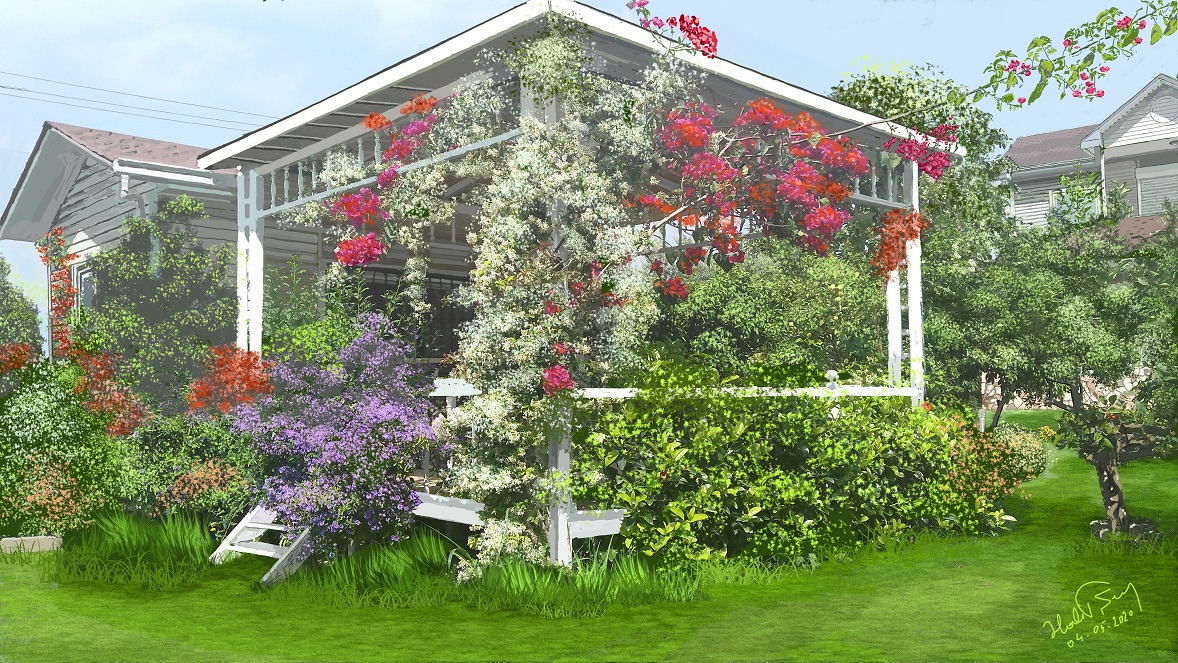 My Sanctuary
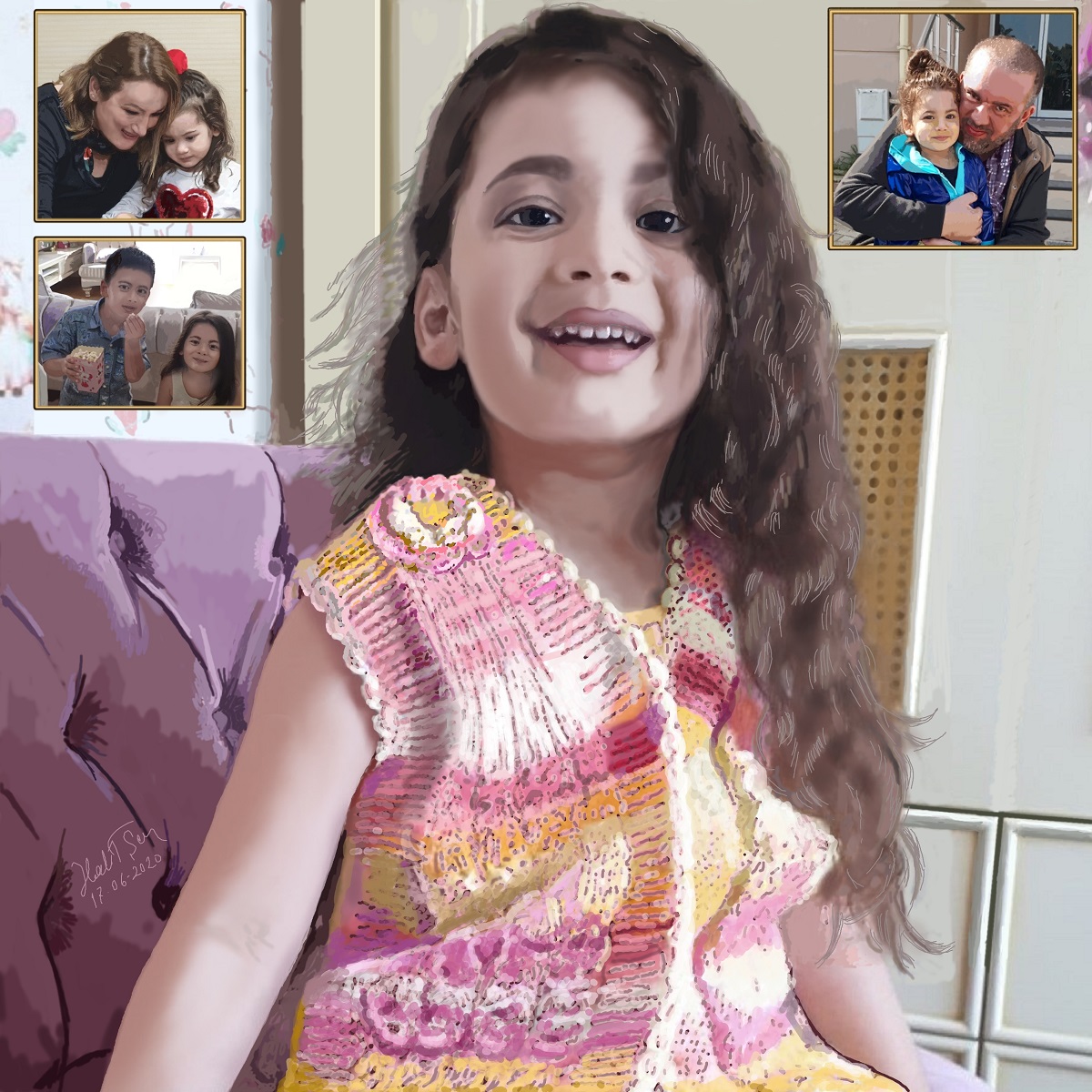 E. T. Şen, Lily of the Valley
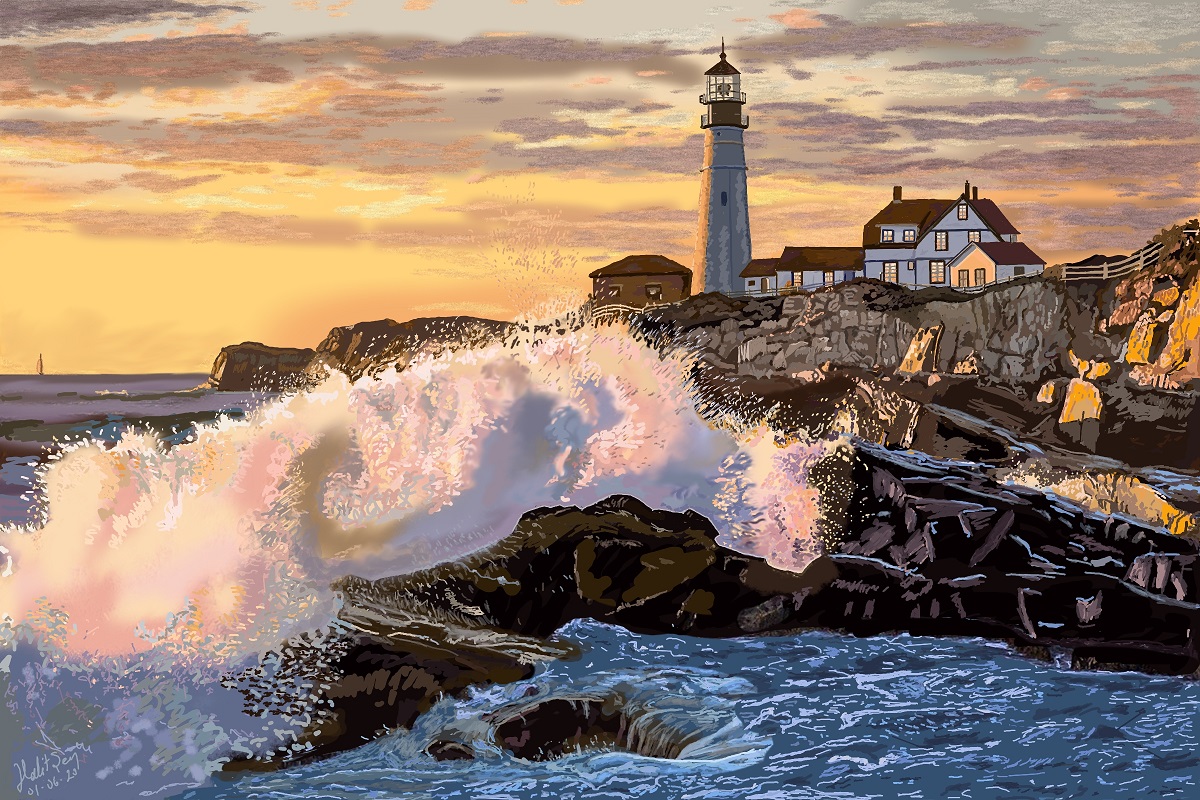 Maine Lighthouse - Portland
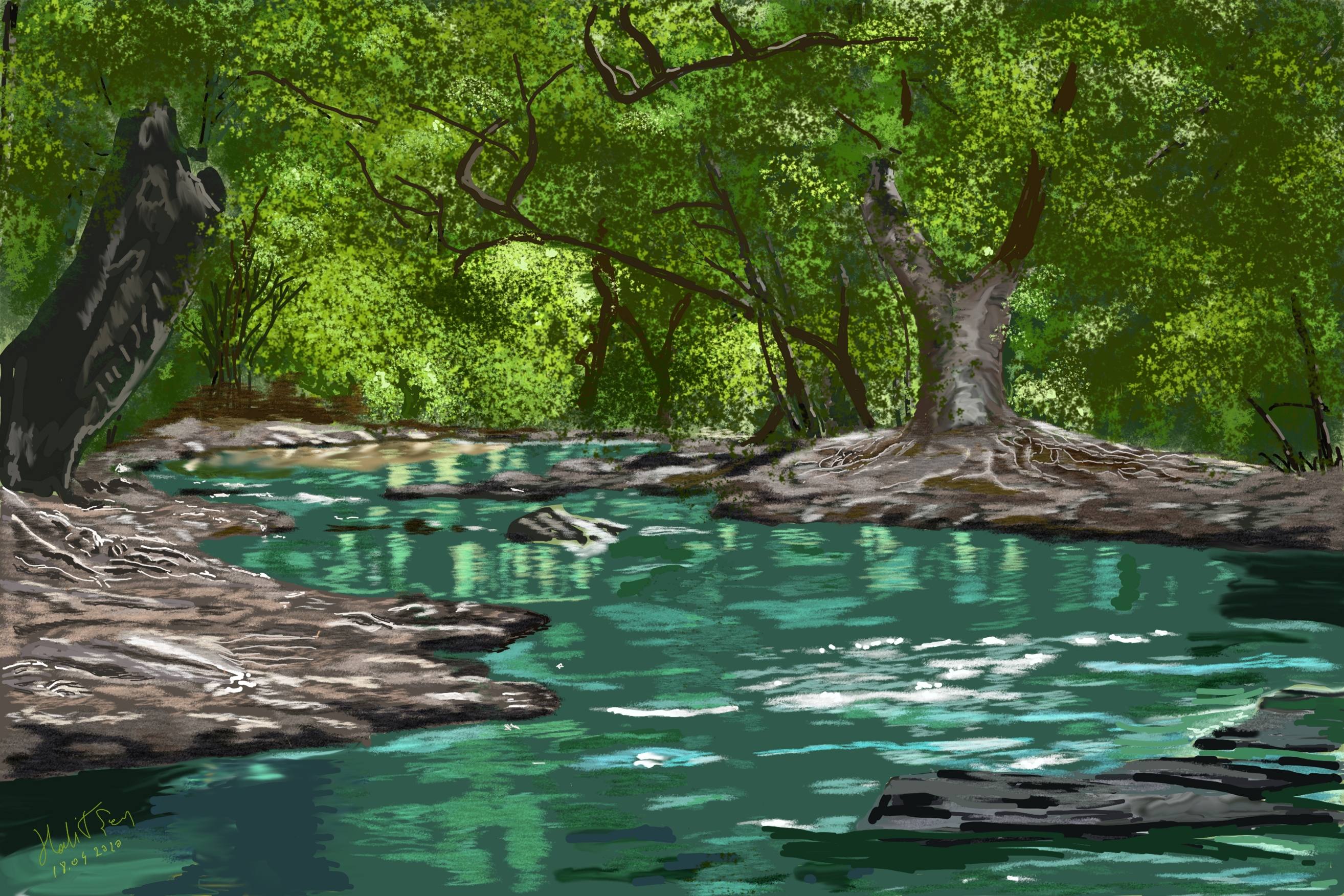 When The Deer's Gone